
Run a complete example
Copy a small Rust app. Reset, step, save a snapshot, and verify a replay.
Getting startedGive your Bevy simulation an explicit control loop. Apply an action, advance a tick, and see what changed. Save a state and try a different decision.
{
  "tick": 0,
  "observation": {
    "kind": "Domain",
    "value": { "count": 0 }
  }
}
Step twice, save, step again, then restore.
A simplified walkthrough. Run the Rust example for a real Bevy environment.
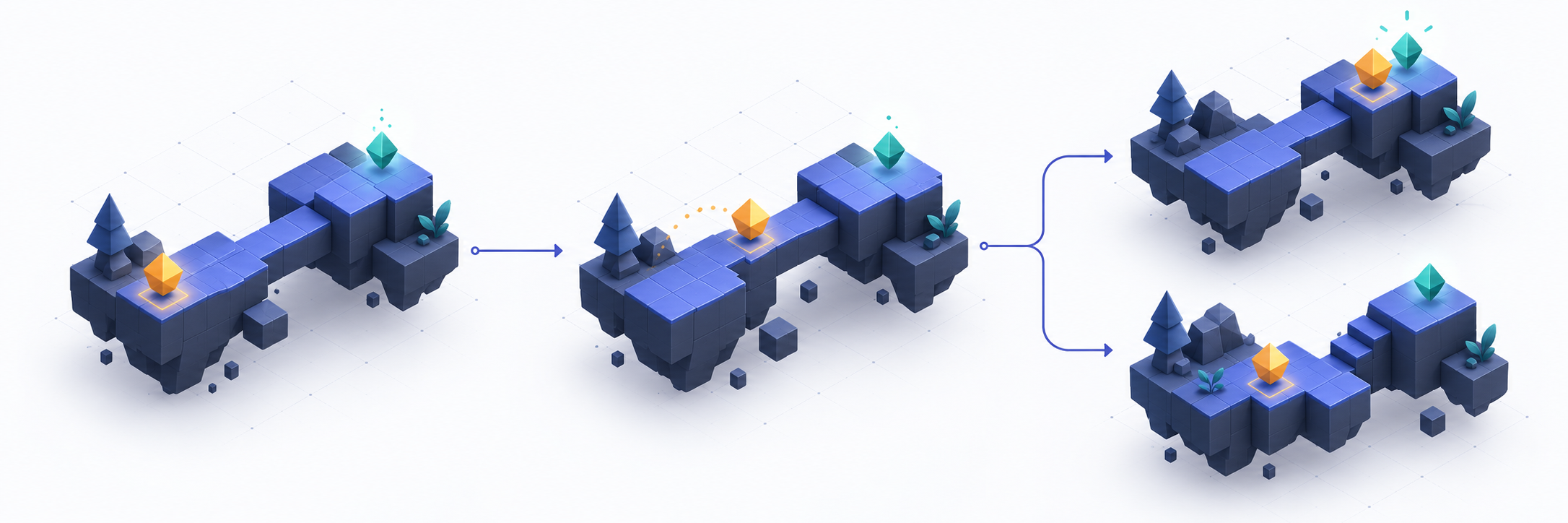
One runnable counter teaches the same contract used by the full platformer.
Copy a small Rust app. Reset, step, save a snapshot, and verify a replay.
Getting startedDeclare actions, expose observations, and register the state that affects gameplay.
Game integrationUse Rust, the CLI, Python, or JSON-RPC to inspect and control the same environment.
Remote controlThe guides explain how to use the system. The reference explains its contracts.